
The journal
How many watts should my travel adapter be? Practical advice from Cabin & Carry
how to choose travel adapter: practical, device-first guidance to match wattage, identify when you need a converter, and choose safe USB-C PD chargers.

Why wattage matters when you choose a travel adapter
What wattage, voltage and current mean for travelers
Understanding how wattage, voltage and current relate helps you pick the right travel adapter and avoid surprises while abroad. In simple terms, voltage is the electrical pressure available from a wall outlet, current is the flow of electricity, and wattage is the rate of power consumption a device needs. For travelers the practical outcome is this, a device will only work and charge safely if it gets the voltage it expects and enough wattage to meet its needs. This article will use plain language and device examples so you can quickly see why these terms matter when you travel.
For most small electronics you will check the device power label or the charger brick to find guidance, and for many modern chargers the relevant information will mention USB-C and USB power delivery as the charging method. When you read labels look for words like watt, volt or ampere, and treat them as clues to compatibility rather than precise tests. Many plug adapters change only the plug shape, while some chargers actively manage output and deliver power using smart protocols.
How many watts should I plan for in a travel adapter for common devices?
Plan for the highest power device first, allow headroom for simultaneous charging, prefer USB-C PD for laptops when supported, and use a dedicated voltage converter only for devices that explicitly require a different mains voltage.
How different devices draw power in real travel use
Devices vary in how they draw power during actual use. Small devices such as phones, earbuds and basic accessories typically draw modest power to top up their batteries. Cameras and larger tablets can draw more while charging, especially if you also use the device while it charges. Laptops and some professional equipment may require sustained higher power to operate and charge simultaneously. Because this guide avoids invented numeric claims, it groups devices into low, medium and high power categories so you can think in practical terms about which items in your kit will determine your adapter choice.

Another important real world point is that how you use a device affects its draw. Charging a phone while running heavy apps will increase demand. Using a camera charger and a laptop at the same time on a single, low capacity adapter can cause the adapter to become warm or to stop providing power. These behaviors are why it helps to plan for the heaviest item in your bag when you pick an adapter or charger.
How to match an adapter's wattage to your devices
Step 1: Identify device power needs
First, gather the chargers and check the labels. Look for the charger label or the device power label; they often list output in volts and amps or in an explicit wattage figure. If the label lists volts and amps you can understand them qualitatively: higher amp or higher watt suggestions indicate a device that can ask for more power. Make a short list of every device you expect to charge on the trip and mark the one or two that are largest or most critical to keep running.
When you write down these items, note which ones use USB charging and which ones use a dedicated charger. Many modern laptops and tablets use USB-C Power Delivery and may accept a range of charging rates depending on the charger. Identifying which devices use USB-C PD helps you choose a charger that supports the right protocol and enough power for those items.

Step 2: Decide simultaneous use and headroom
Step 2: Decide simultaneous use and headroom
Next, consider if you will charge devices one at a time or several at once. If you usually charge only one phone overnight, a compact USB-only adapter can be fine. If you often charge a laptop and other devices together in a hotel room, you should plan for a charger or adapter that can handle multiple outputs or a higher capacity USB-C PD unit. Allow some headroom so the adapter is not running at its absolute limit; this reduces stress on the unit and on the device chargers themselves.
Also check your travel context. On a long flight or in a busy cafe you may want to keep several devices topped up at once. In those cases favor an adapter or multiport charger designed for simultaneous output rather than chaining multiple small adapters together.
Step 3: Check adapter rating and safety features
Finally, when you look at an adapter or multiport charger examine its labeled outputs and safety features. A plug adapter that only changes the physical plug shape will not convert voltage, and it will not increase the available power. Look for clear power delivery specs on chargers that talk about USB-C PD or list combined output for multiple ports. Also check for safety marks and protective features such as fuses, overload protection or surge protection, and consider certified units for peace of mind.
Before you travel check airline and hotel policies if you plan to run multiple devices from a single point. Some venues limit power usage for safety or network reasons, and hotel room circuits can behave differently from home outlets. Confirming policies and electrical context helps avoid surprises when you unpack and start charging.
Adapter types and what their wattage ratings mean
USB-only chargers and USB-C PD units
USB-only chargers provide power over USB ports and are the modern preference for many travelers because phones, earbuds and many accessories use USB charging. Within USB charging there are basic USB chargers and more capable USB-C Power Delivery chargers that communicate with devices to supply higher or optimized power safely. Choosing a high-quality USB-C PD charger is often the best way to power a laptop and other devices with one unit when the device supports it.
Multi-plug travel adapters and built-in safety
Multi-plug travel adapters combine plug shape conversion with several output options. Some are essentially mechanical—adaptors that let a foreign plug fit a local outlet. Others include built-in charging circuitry and offer USB ports, and a few include surge protection or fuses. When a device lists a power requirement you should match that requirement to the adapter or charger output, keeping in mind whether the adapter simply provides a mechanical fit or whether it also offers regulated power outputs.
When buying a multi-plug adapter with charging ports look for clear markings and certification marks. Built-in safety such as a fused plug or surge protection offers protection from common electrical events. If a unit appears inexpensive but lacks basic certification or labeling, it is safer to choose a better documented product to protect expensive devices.
Voltage converters and heavy appliances
Voltage converters change the voltage from a wall outlet so devices designed for a different country voltage can run. They are not the same as plug adapters, which only change the plug shape. For small USB devices and many chargers, the charger itself often handles a broad input voltage range, so a plug adapter is sufficient. For heavy appliances such as hairdryers or irons, or for specialized gear that expects a specific voltage, a dedicated converter may be required. Because converters are a heavier, more specialized solution, many travelers prefer to find local alternatives for high power appliances rather than carry a converter.
As a practical rule, if a device has a dedicated power brick or a built in motor and you are unsure about compatibility, consider local availability or renting the appliance at destination rather than risking an incompatible setup. Safety and the weight of converters factor into the decision for many travelers.
Decision checklist for common travel scenarios
Business traveler with laptop and phone
Business travelers who rely on a laptop and a phone often benefit most from a compact USB-C PD charger with multiple ports, or from combining a USB-C PD laptop charger with a small USB hub. The priorities are: ensure the laptop can receive the right charging protocol, provide at least one readily available port for the phone, and allow headroom so both devices can charge comfortably when needed. Confirm plug shapes for your destination and pack any short extension cables if you expect crowded outlets.
Quick packing checklist to verify device and adapter compatibility
Backpacker with only USB devices
For backpackers who carry phones, a power bank, a camera and small USB accessories, a lightweight USB-only adapter or a small multiport USB charger usually covers needs while keeping pack weight low. Favor a charger that supports USB power delivery if you have a device that will benefit from faster charging. Also pack a reliable power bank rated for travel use so you can recharge on the move when outlets are not available.
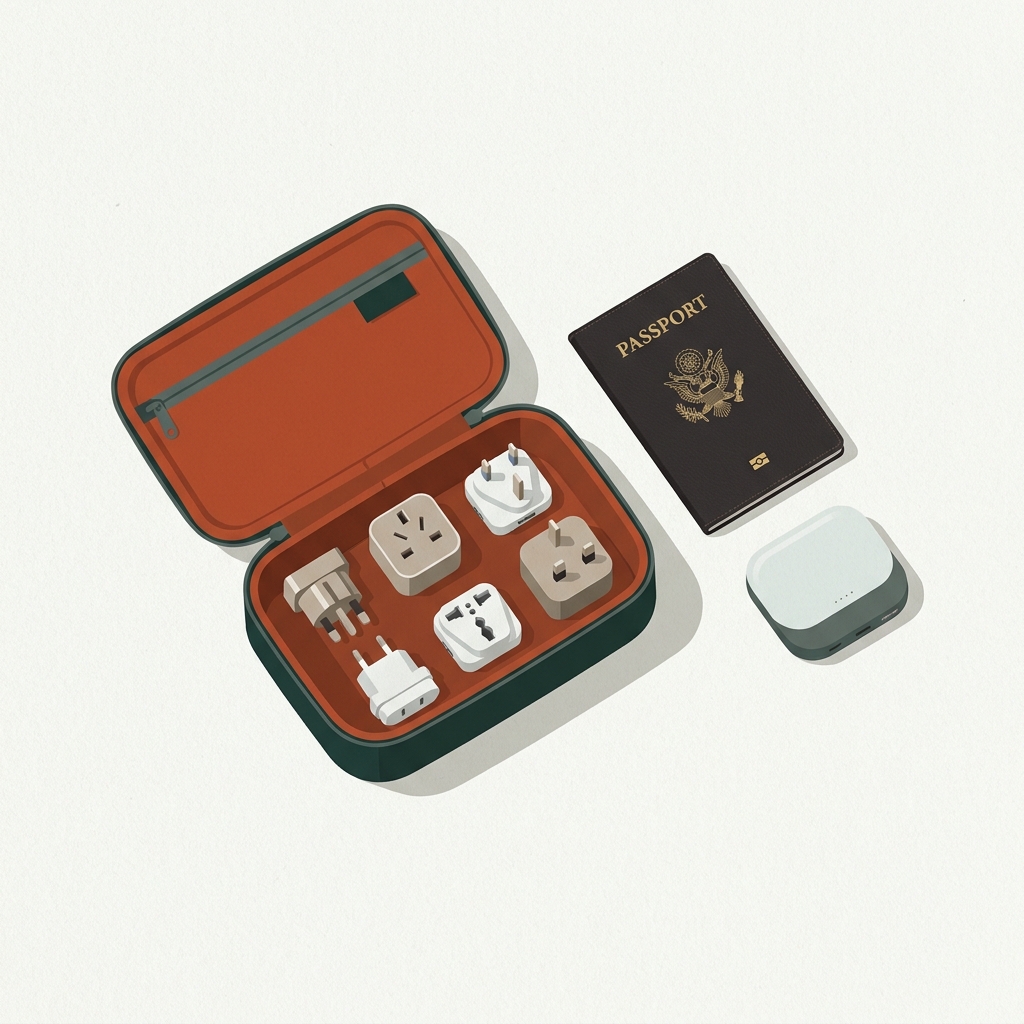
Space and simplicity are valuable for this profile. Prioritize one good multiport USB charger and a couple of short, durable cables over many single-device chargers. Keeping devices together on a single unit reduces the chance of losing a charger and reduces the number of items to manage through airport security.
Family trip and mixed device needs
Families often travel with mixed device types, including phones, tablets, camera chargers and possibly a child related gadget. For this scenario choose a flexible solution: a multiport charger with at least one USB-C PD port and several USB-A ports or a combination of a full size charger plus a compact adapter. Think about who needs to charge when you arrive each day and plan spots so everyone can top up without blocking shared outlets.
When multiple family members need simultaneous charging, a power strip with appropriate surge protection that fits local plug types can simplify the situation, but confirm that the strip and any attached adapters are rated and certified for travel use. Avoid daisy-chaining adapters on top of a single small charger to prevent overload and keep charging areas ventilated.
Common mistakes and safety pitfalls to avoid
Underestimating power needs and overloading adapters
A common mistake is assuming every adapter is equivalent. Underestimating the power needs of a laptop or trying to run multiple higher demand devices from a compact adapter can cause the adapter to overheat or stop providing power. To avoid these outcomes read device labels, plan for the most demanding item, and give yourself headroom rather than pushing an adapter to its labeled limit every time.
Also be cautious when using hotel room outlets that may be shared on a single circuit. If many guests use high demand devices at the same time, the circuit behavior can change. If you have specialized equipment, consider a dedicated power solution or consult a local technician rather than relying on a travel adapter for sustained heavy loads.
Confusing plug adapters with voltage converters
Another frequent pitfall is confusing a plug adapter with a voltage converter. Plug adapters change the physical fit of a plug so it matches a socket, but they do not change the voltage coming from the wall. Many modern device chargers accept a wide input voltage range, in which case a plug adapter is sufficient. For devices that require a particular mains voltage a converter is the correct tool. If you are unsure, check the device or charger label to determine whether it accepts the local voltage. For more detail on the differences see the guide on travel adapter vs converter.
When in doubt, choose caution and avoid plugging a device directly into an unfamiliar mains supply without verifying compatibility. Damage to devices and safety risks increase when voltage mismatch occurs, so confirm the device input range or seek local power options for high power items.
Buying cheap adapters without safety certification
Low cost adapters can be tempting, but they sometimes lack necessary safety features. Look for units with clear certification marks and documented protection features. Avoid daisy-chaining adapters, and keep charging equipment in a cool, ventilated place while in use. Unplugging chargers when not in use reduces wear and the chance of a fault developing over time.
If a charger feels unusually hot to the touch, disconnect it and test with fewer devices or a different outlet. Reputable products list output specifications and include basic protections. When traveling with expensive gear, consider the incremental cost of a certified adapter as an insurance choice to protect your devices.
Practical decision flow and quick examples
Step-by-step decision flow you can copy
Use this simple flow to decide between a plug adapter, a USB-C PD charger, or a voltage converter. Step 1, list the devices you will bring and mark the most power hungry items. Step 2, check each device label or charger for its input and output information and note which devices use USB-C PD. Step 3, decide whether you routinely need multiple devices charged at once and whether you can stagger charging. Step 4, choose an adapter or charger that matches the largest device and offers headroom for simultaneous charging. Step 5, verify safety features and pack spare cables.
This flow is intentionally device first. It helps avoid the trap of buying the most compact adapter without confirming it will power the devices you actually use. Keep a printed or digital note of your device list so you can revisit it before future trips.
Three short example setups with recommended adapter types
Example 1, a business traveler with a USB-C laptop and a phone: a compact USB-C PD charger with an extra USB port covers the basics, and the laptop manufacturers guidance should be matched by the charger's output type. Example 2, a backpacker carrying phone, camera and power bank: a small multiport USB charger plus a reliable power bank is the lightweight solution. Example 3, a family with mixed devices and occasional high power needs: a well specified multiport charger and possibly a local rental for high power appliances is preferable to carrying a heavy converter.
In each example the key action is to match the heaviest device first, add headroom for simultaneous charging, and verify that the device either accepts local voltage or that you will use a converter when needed. Pack cables thoughtfully and pack cables thoughtfully and label chargers so you can quickly set up on arrival.
Short packing tips, finalize with spare short cables, organize chargers in a single pouch, and keep critical chargers in carry on luggage rather than checked bags to avoid loss or damage.
Frequently asked questions
How can I tell if a plug adapter is enough or if I need a voltage converter?
Check the device or charger label for accepted input voltage. If the charger accepts a wide input range you usually only need a plug adapter. For devices that require a specific mains voltage use a dedicated converter or local alternative.
Is a USB-C Power Delivery charger better for travel?
USB-C Power Delivery chargers are versatile and often the best choice when your laptop and mobile devices support the PD protocol, because they can negotiate appropriate power levels and reduce the number of separate chargers you need.
Can I safely charge multiple devices from one travel adapter?
You can if the adapter is rated for simultaneous outputs and offers headroom. Avoid daisy-chaining small adapters, confirm safety certification, and unplug devices when not in use to reduce risk.
Choosing the right travel adapter is mostly about matching your devices and planning for realistic use. With a short checklist and a focus on safety features you can travel with confidence and keep gear protected. Before you leave, check the highest power device in your bag, confirm your chargers accept the local voltage or plan for a converter, and pack spare cables in an easy to reach spot.
References
- https://www.wired.com/gallery/best-travel-adapters/
- https://cabinandcarry.com/travel-accessories/travel-adapter-vs-converter
- https://cabinandcarry.com/tools/trip-planner
- https://cabinandcarry.com/tools/packing-planner
- https://support.apple.com/en-us/102747
- https://www.packhacker.com/blog/general/best-travel-adapter/