
An adapter changes the plug connection; it does not by itself convert voltage. Read the input rating on the actual device or power supply, then match the destination supply and a suitable adapter. An uncertain electrical match is a reason to check with the manufacturer.

Make the comparison that matters
| Check | What it changes | Your next step |
|---|---|---|
| Plug shape | Whether it can physically connect | Choose the appropriate destination plug |
| Input voltage | Whether the device accepts the supply | Read the actual power-supply label |
| Power rating | Whether the adapter supports the load | Check the manufacturer’s limits |
| USB charger | Its own input and output requirements apply | Check both charger and device |
A matching plug is only one check
An adapter connects one plug shape to another socket. It does not automatically change the electricity supplied. Read the label on the actual device or power supply you will use, including input voltage and frequency, before choosing accessories.
Look for the input line
Some chargers state a range such as 100–240 V. That describes the charger’s permitted input, not a promise about every device in the bag. Compare it with the destination supply and follow the manufacturer’s instructions. Hair tools and other high-power appliances deserve their own check.
Keep power and grounding requirements intact
Check the adapter’s destination compatibility and power rating for the device. Do not remove grounding protection or improvise a chain of adapters to force a connection. If the label is missing or unclear, get the manufacturer’s advice before use; a borrowed travel adapter cannot resolve unknown electrical requirements.
Pack a small, documented charging kit
List the devices, their cables and a suitable power supply. A USB port count alone does not tell you whether a charger can deliver the power required by a laptop. Keep original model details in your packing note so replacing a lost accessory does not become a guess at an airport shop.
Before you spend
Compare the equipment you actually need to power. A phone charger, laptop supply and hair appliance may have different requirements, even when their plugs look similar. Adapter designs also differ in grounding support, current rating and suitable uses. Do not use a list of socket shapes as a substitute for those checks, or improvise a connection that the equipment manufacturer does not support.
A useful finishing check
No. Universal usually refers to a selection of plug formats. It does not mean universal voltage conversion, grounding support or power capacity. Check the actual appliance, destination and adapter specifications together.
ILLUSTRATIVE EXAMPLE
Put it into practice
A hypothetical charger marked input 100–240 V is different from an appliance marked only 120 V. A plug adapter does not turn the second marking into a dual-voltage appliance. The example is about reading labels, not approval for an unspecified charger or device.
Your next steps
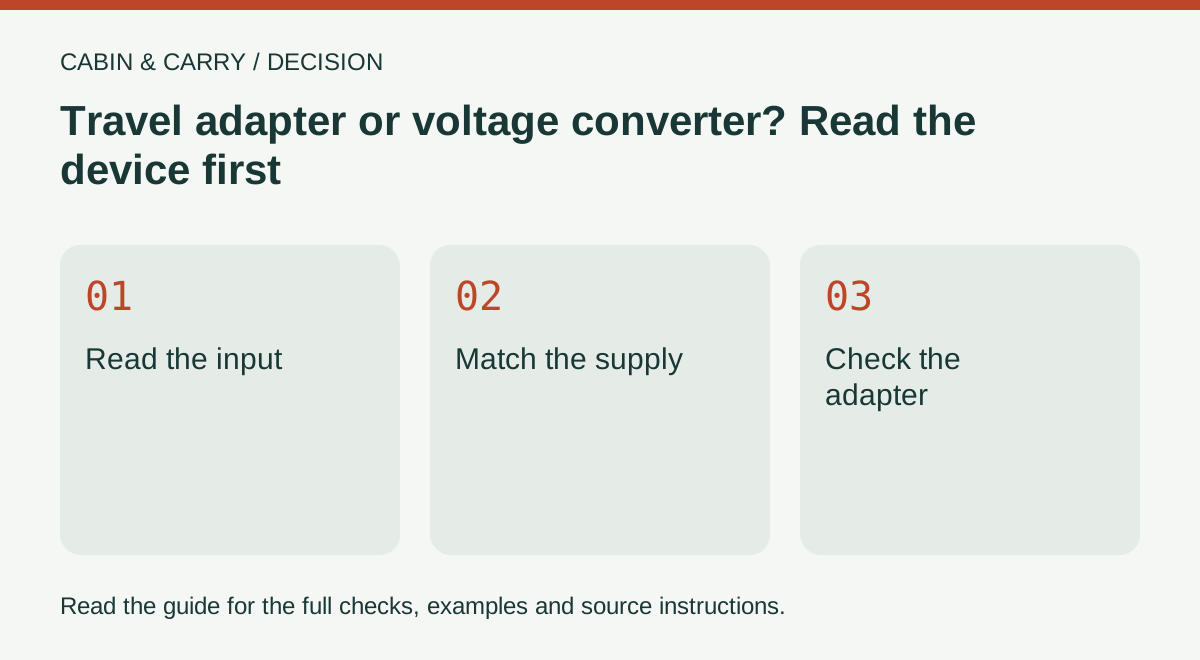
- Read the input: use the actual device label
- Match the supply: check the destination
- Check the adapter: confirm its supported load
Questions that come up
Does a travel adapter convert voltage?
A plug adapter alone does not. Check whether your device accepts the destination voltage or requires an appropriate converter.
Can I assume all phone and laptop chargers are dual voltage?
No. Read the input rating on your own power supply, even if many modern models support a range.
Does a universal travel adapter work with every appliance?
No. Universal usually refers to a selection of plug formats. It does not mean universal voltage conversion, grounding support or power capacity. Check the actual appliance, destination and adapter specifications together.
Sources and further reading
Source references for this edition, September 8, 2026. Recheck changeable rules and the exact product or vehicle instructions before acting.